|
The SDK docs have moved to https://dev.palmsens.com/sdk. If you aren't automatically redirected please follow this link. |
Example Apps
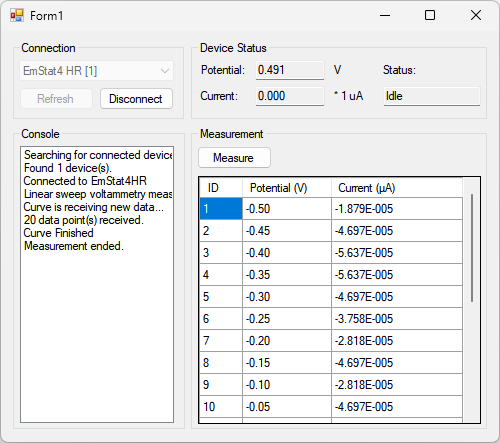
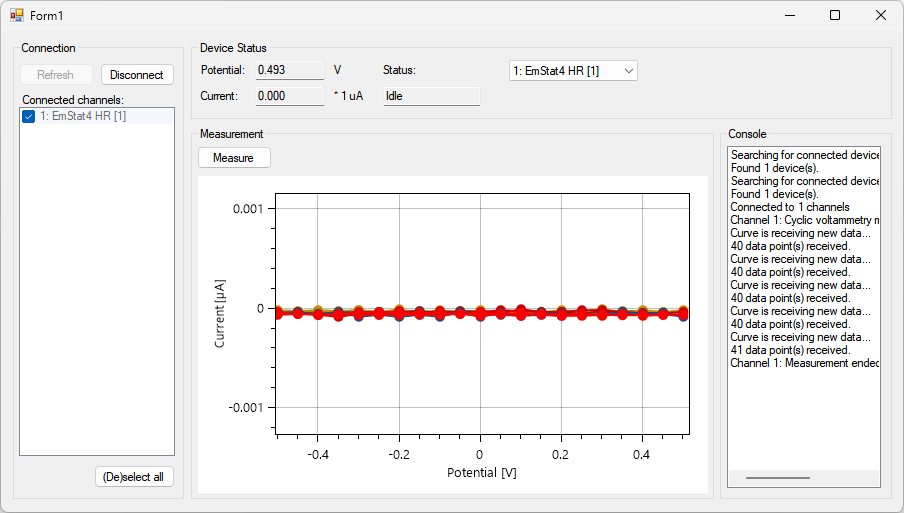
This page lists some examples to help you get started with app development.
The examples use asynchronous programming where necessary to prevent the PalmSens SDK libraries from blocking the user interface.
To make a new app using one of the example apps as a template:
-
Copy the directory you want to copy, e.g.
BasicExample -
Rename the directory to e.g.
MyNewApp -
Rename
BasicExample.csprojtoMyNewApp.csproj -
Right click , select
MyNewApp.csprojfile -
Update namespace (find-replace),
BasicExample→MyNewApp