|
The SDK docs have moved to https://dev.palmsens.com/sdk. If you aren't automatically redirected please follow this link. |
Example Apps
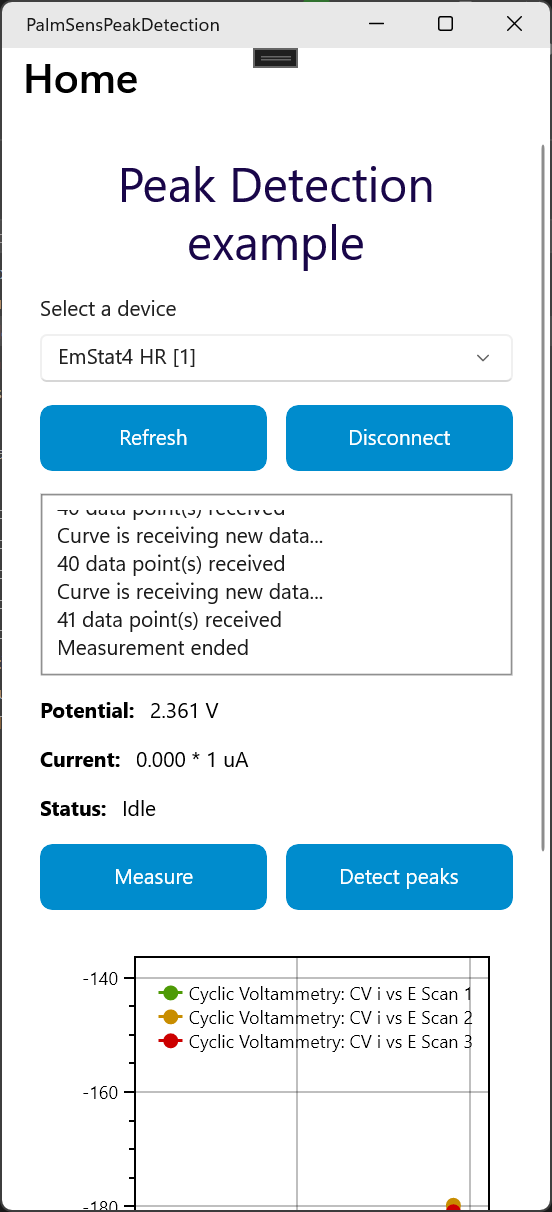
This page lists some examples to help you get started with app development.
The examples use asynchronous programming where necessary to prevent the PalmSens SDK libraries from blocking the user interface.
To make a new app using one of the example apps as a template:
-
Copy the directory you want to copy, e.g.
MeasureApp -
Rename the directory to e.g.
MyNewApp -
Rename
MeasureApp.csprojtoMyNewApp.csproj -
Right click , select
MyNewApp.csprojfile -
Update namespace (find-replace),
MeasureApp→MyNewApp
Measure
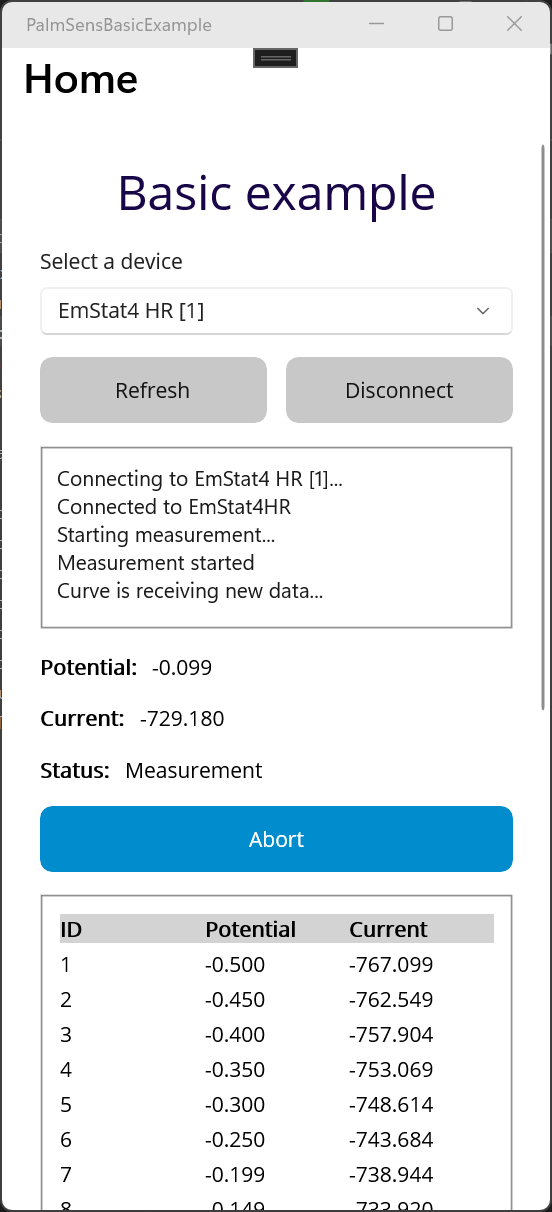
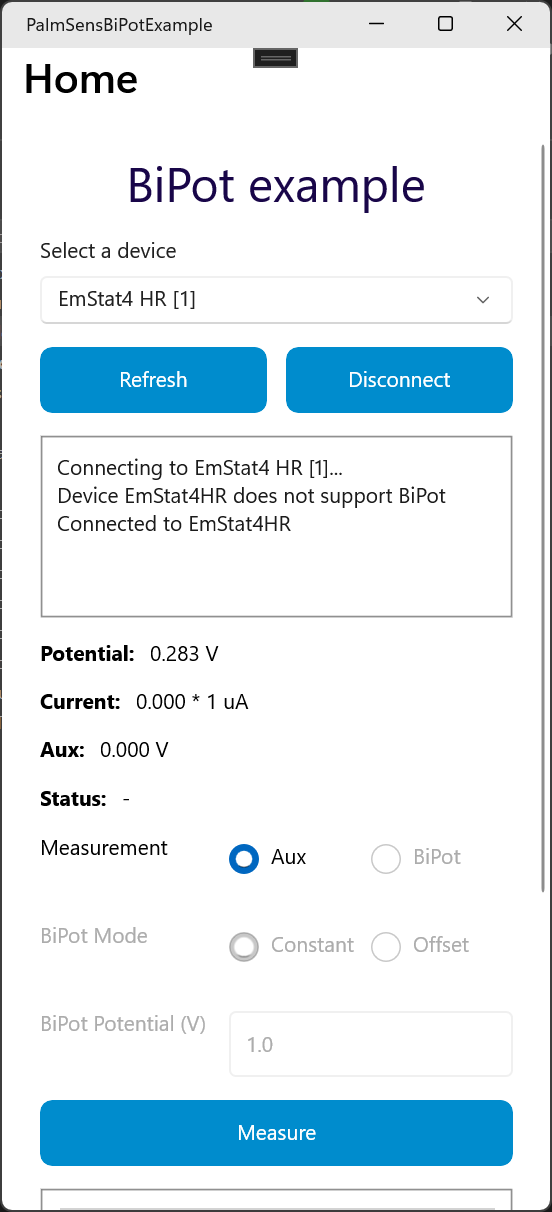
This example shows how to get started with building a simple data measurement app using the PalmSens .NET MAUI SDK. It demonstrates UI elements to discover devices, make a connection, run a measurement, and show the data in a table.
Data Analysis
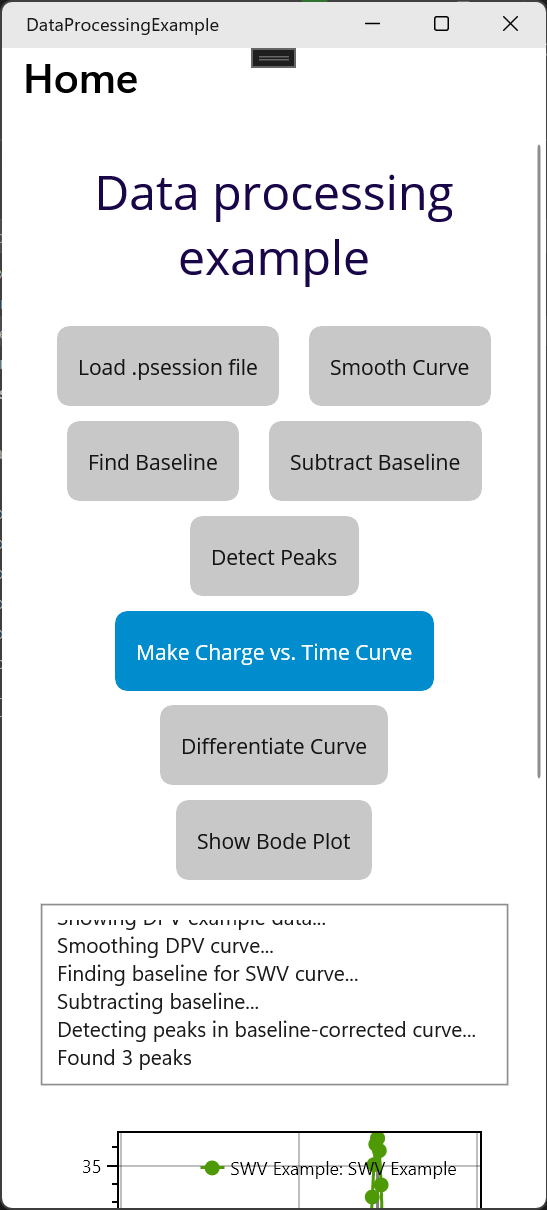
This app shows demonstrates various exampels how to import, analyze and save data.
The example loads measurements from a .pssession file, and shows how to smooth data, manipulate data, and detect peaks.
It also shows how to load a method from a .psmethod files.
EIS Fit
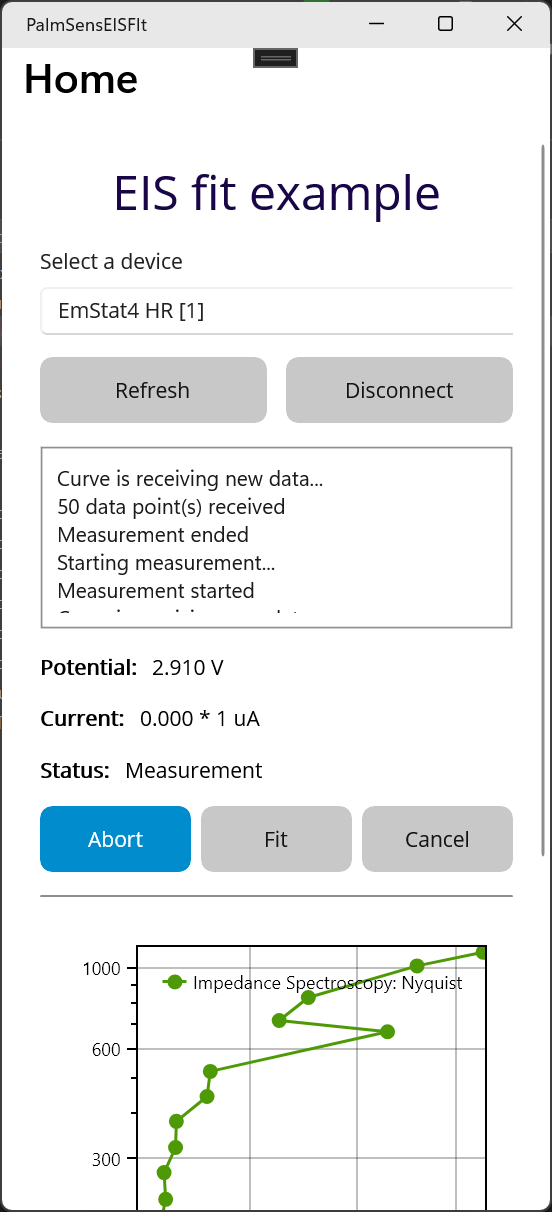
The EIS fit examplo shows how perform an equivalent circuit analysis on an EIS frequency scan measurement.
Internal Storage
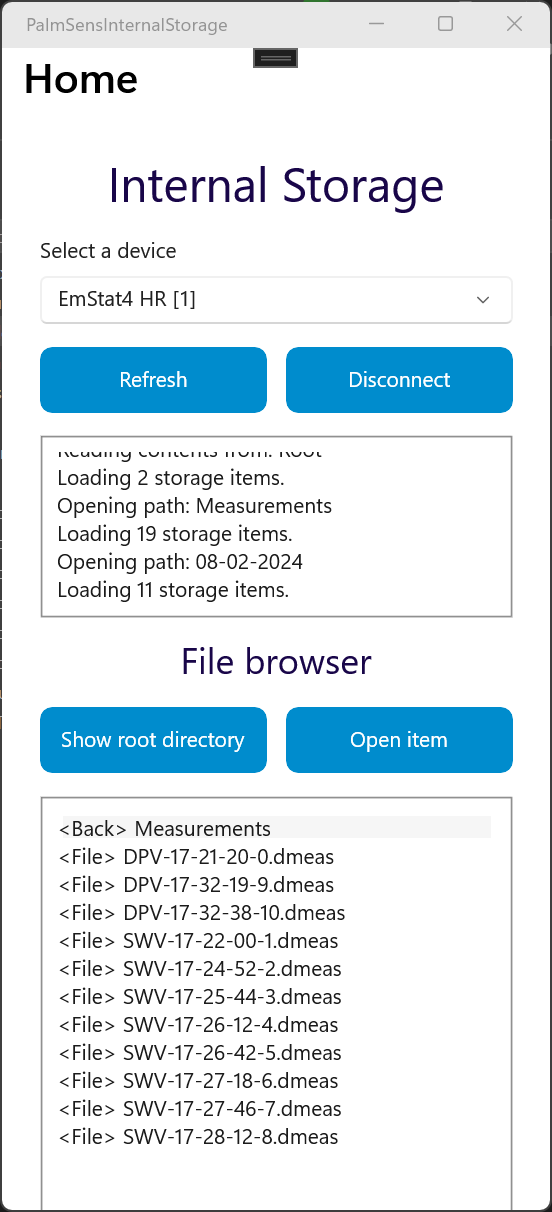
This example app shows how to navigate and access files on the internal storage of a EmStat Pico Development Board, Sensit BT, EmStat4 and PalmSens4.
Live Plot
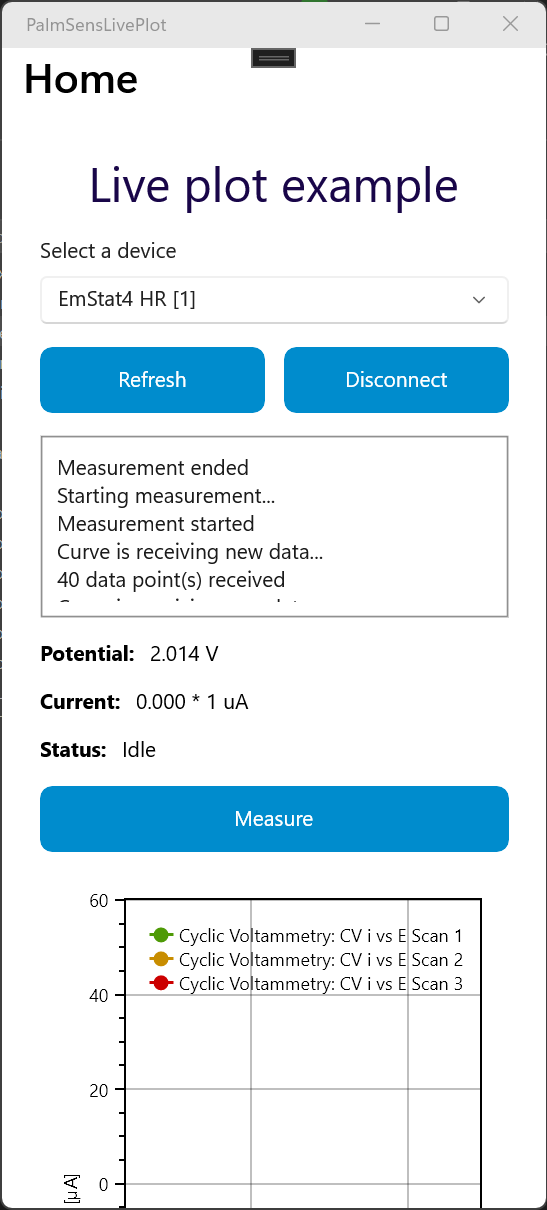
This example app shows how to make a connection, run a measurement and plot the results while the measurement is running.